
Remote for Ruku - TV Control1.8.5 - App Store
You'll be able to see results in few seconds.
Publisher Description
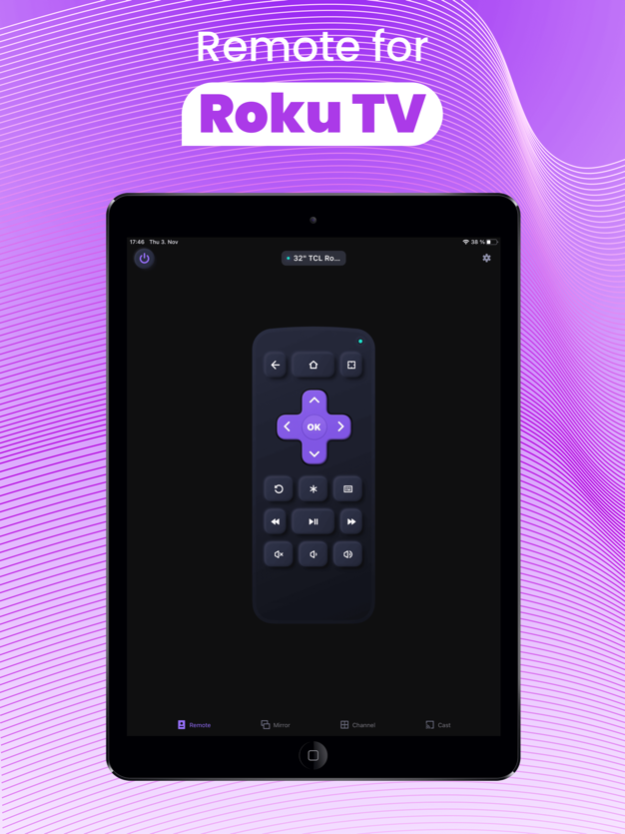

Remote for Ruku - TV Control is a universal Rokuremote control & mirroring app that enables you to easily control Ruku TV channels on your phone and iPad via WiFi.
This remote application is a great assistant when your physical Ruku remote control is missing or has run out of batteries and it can help you to control your TCL Roku TV smoothly after a simple pairing procedure.
Key Features:
• No setup is required. This app automatically scans your local network to find your TV.
• Use your keyboard for quick text entries for channels like Netflix or Youtube
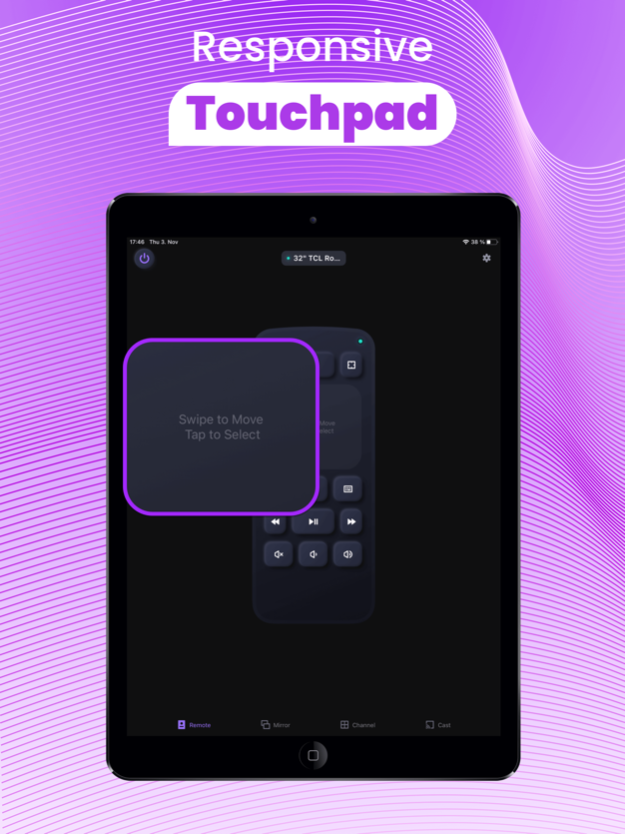
• Navigate easily with the touchpad navigation, just like a real Roku TV remote stick
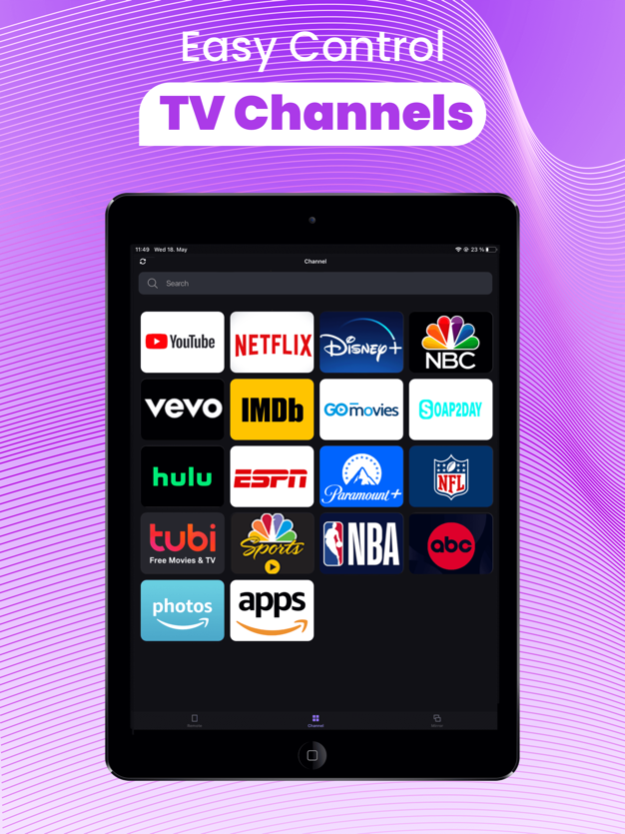
• Manage TV channels with this roku tv app, easily launch channels with one tap
• Mirror your iPhone/iPad screen to TV with low latency or with sound
• Cast photos and videos from albums to your TCL/Insignia/Hisense/JVC/Onn roku TV for free
Remote for Roku Premium features:
• Touch Pad Navigation
• Advanced channel management
• Screen Mirroring to Ruku TV
• Power ON/OFF Smart Ruku TV
With the assist of this Roku remote control app, accessing to movies & music and share your Vision Pro exciting game scenes with your playmates will become easier and you will love your Roku TV even more. All you need is to just connect your iPhone/iPad/Vision Pro devices & the Ruku TV/Stick to the same Wi-Fi network.
How to connect to TCL Roku TV:
1. Your Rokie TV must be connected to your home's wifi network.
2. Your iPhone or iPad's WiFi must be turned on and connected to the same network as the TV.
3. Local Network Permission must be granted for this Roku TV remote control app in Settings.
Troubleshoot:
• Remote for Ruku - TV Control can only connect if you are on the same wifi network as your TV device.
• For iOS 14 and above, Local Network Permission must be granted to this Rokie - Roku Remote app. Without permission, the app could not search and connect to the Rokie TV.
• For cases of not being able to connect to ruko TV, reinstalling this RoByte Remote App for Roku and rebooting the TV can fix most of the bugs.
For Premium upgrades we offer the following subscription:
- Prices displayed are USD$, actual charges might be converted to local currency depending on your country of residence.
- Payment will be charged to your iTunes account at confirmation of purchase.
- Subscription automatically renews unless auto-renew is turned off at least 24 hours before the end of the current period.
- Account will be charged for renewal within 24 hours of the end of the current period, and the cost of the renewal will be provided.
- No cancellation of the current subscription is allowed during active subscription period.
- Any unused portion of a free trial period, if offered, will be forfeited when the user purchases a subscription to that publication.
- Subscriptions may be managed by the user: you can modify or cancel your subscription at any time by signing in to your iTunes account on your computer or iOS and changing the settings. For more details on this please visit: https://support.apple.com/en-us/HT202039
Privacy Policy: https://www.boostvision.tv/privacy-policy
Terms & Conditions: https://www.boostvision.tv/terms-of-use
NOTE: BoostVision is not an affiliated entity of Roku, Inc, and this application is not an official product of Roku, Inc.
Apr 17, 2024
Version 1.8.5
*Fix minor bugs
*Optimize store listing
*Adjust UI
*Improve user experience
About Remote for Ruku - TV Control
The company that develops Remote for Ruku - TV Control is Chengdu BoostVision Technology Co., Ltd. The latest version released by its developer is 1.8.5.
To install Remote for Ruku - TV Control on your iOS device, just click the green Continue To App button above to start the installation process. The app is listed on our website since 2024-04-17 and was downloaded 0 times. We have already checked if the download link is safe, however for your own protection we recommend that you scan the downloaded app with your antivirus. Your antivirus may detect the Remote for Ruku - TV Control as malware if the download link is broken.
How to install Remote for Ruku - TV Control on your iOS device:
- Click on the Continue To App button on our website. This will redirect you to the App Store.
- Once the Remote for Ruku - TV Control is shown in the iTunes listing of your iOS device, you can start its download and installation. Tap on the GET button to the right of the app to start downloading it.
- If you are not logged-in the iOS appstore app, you'll be prompted for your your Apple ID and/or password.
- After Remote for Ruku - TV Control is downloaded, you'll see an INSTALL button to the right. Tap on it to start the actual installation of the iOS app.
- Once installation is finished you can tap on the OPEN button to start it. Its icon will also be added to your device home screen.
Program Details
System requirements
Download information
Pricing
Version History
version 1.8.5
posted on 2024-04-17
Apr 17, 2024
Version 1.8.5
*Fix minor bugs
*Optimize store listing
*Adjust UI
*Improve user experience
version 1.8.4
posted on 2024-02-29
Feb 29, 2024
Version 1.8.4
*Fix minor bugs
*Optimize store listing
*Improve user experience
*Add vision pro usage scenarios
version 1.8.3
posted on 2024-02-01
Feb 1, 2024
Version 1.8.3
*Fix minor bugs
*Improve user experience
version 1.8.2
posted on 2024-01-25
Jan 25, 2024
Version 1.8.2
*Fix minor bugs
*Improve user experience
version 1.8.1
posted on 2023-12-29
Dec 29, 2023
Version 1.8.1
*Fix minor bugs
*Improve user experience
version 1.7.9
posted on 2023-11-24
Nov 24, 2023
Version 1.7.9
*Fix minor bugs
*Improve user experience
version 1.7.8
posted on 2023-11-21
Nov 21, 2023
Version 1.7.8
*Fix minor bugs
*Improve user experience
*Optimize troubleshooting link
version 1.7.7
posted on 2023-10-18
Oct 18, 2023
Version 1.7.7
*Fix some minor bugs
*Improve user experience
version 1.7.5
posted on 2023-09-12
Sep 12, 2023
Version 1.7.5
*Fix some minor bugs
*Improve user experience
version 1.7.0
posted on 2023-07-31
Jul 31, 2023
Version 1.7.0
*Fix some minor bugs
*Improve user experience
Disclaimer
Official App Store Link
We do not host Remote for Ruku - TV Control on our servers. We did not scan it for viruses, adware, spyware or other type of malware. This app is hosted by Apple and passed their terms and conditions to be listed there. We recommend caution when installing it.
The App Store link for Remote for Ruku - TV Control is provided to you by apps112.com without any warranties, representations or guarantees of any kind, so access it at your own risk.
If you have questions regarding this particular app contact the publisher directly. For questions about the functionalities of apps112.com contact us.
